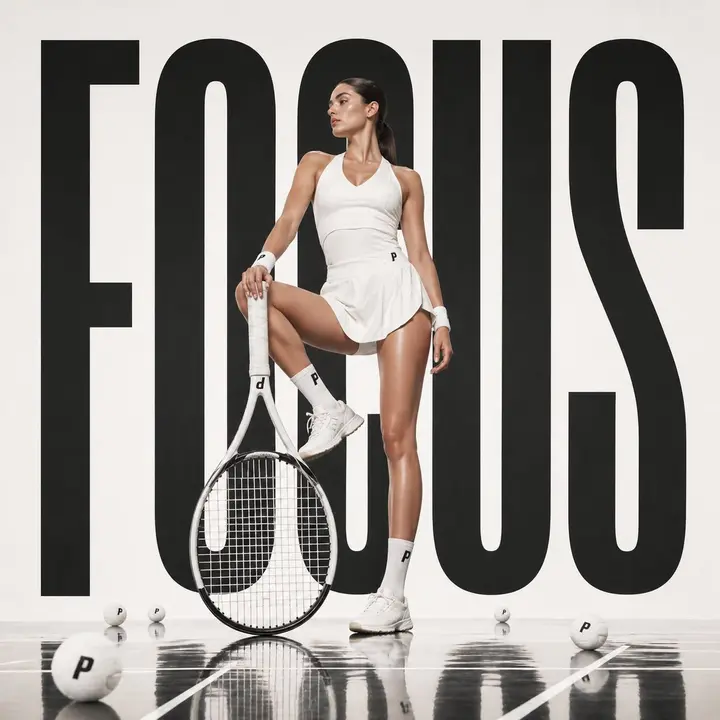
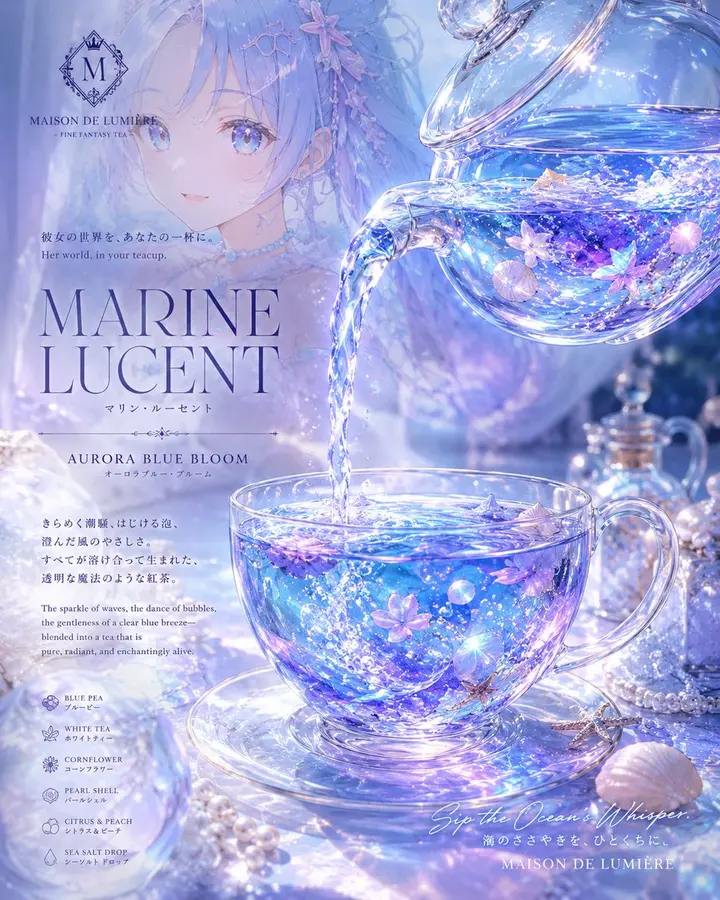
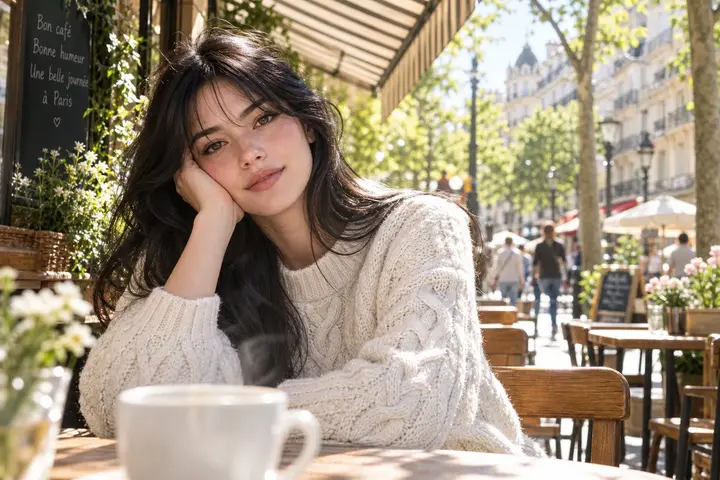
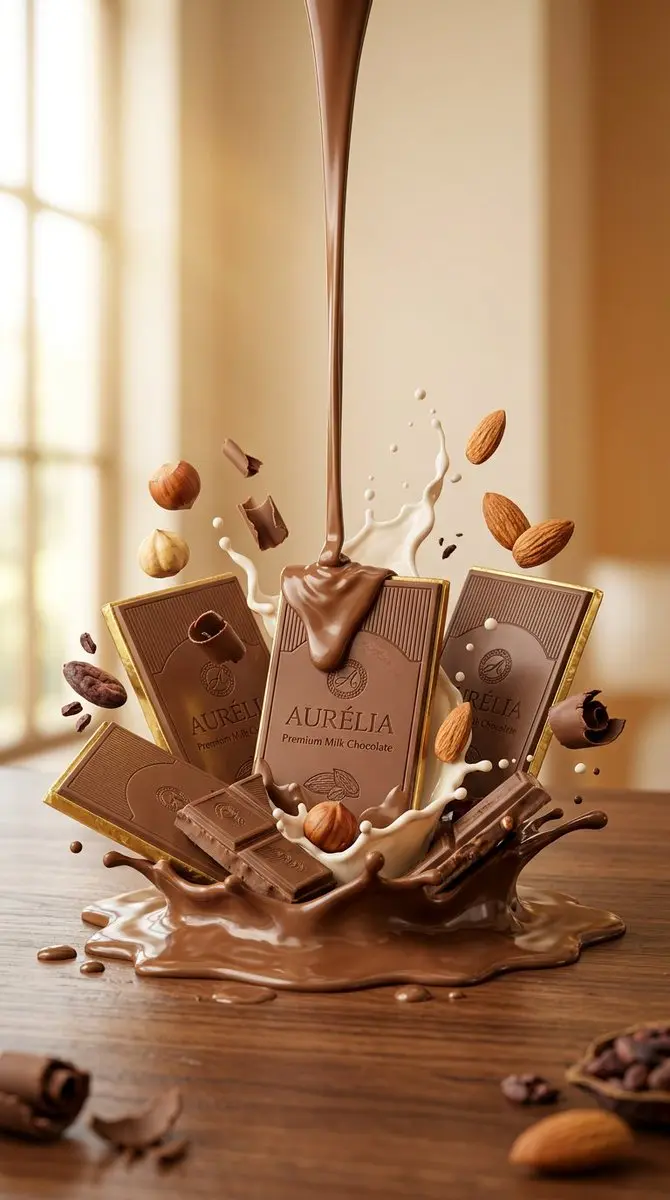
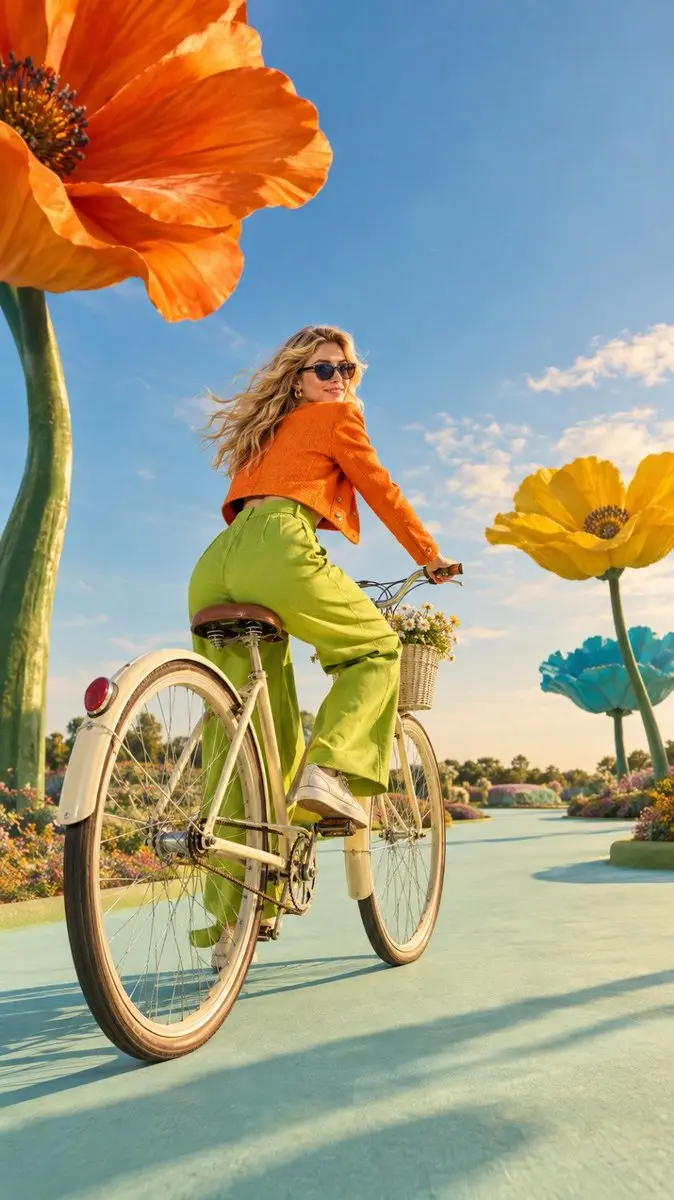
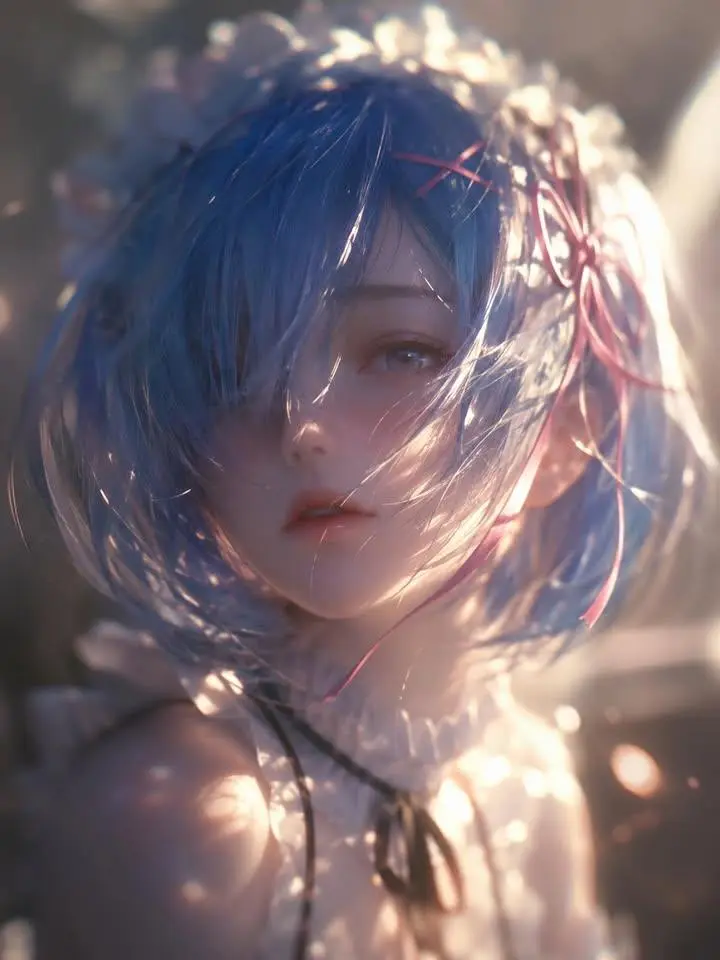
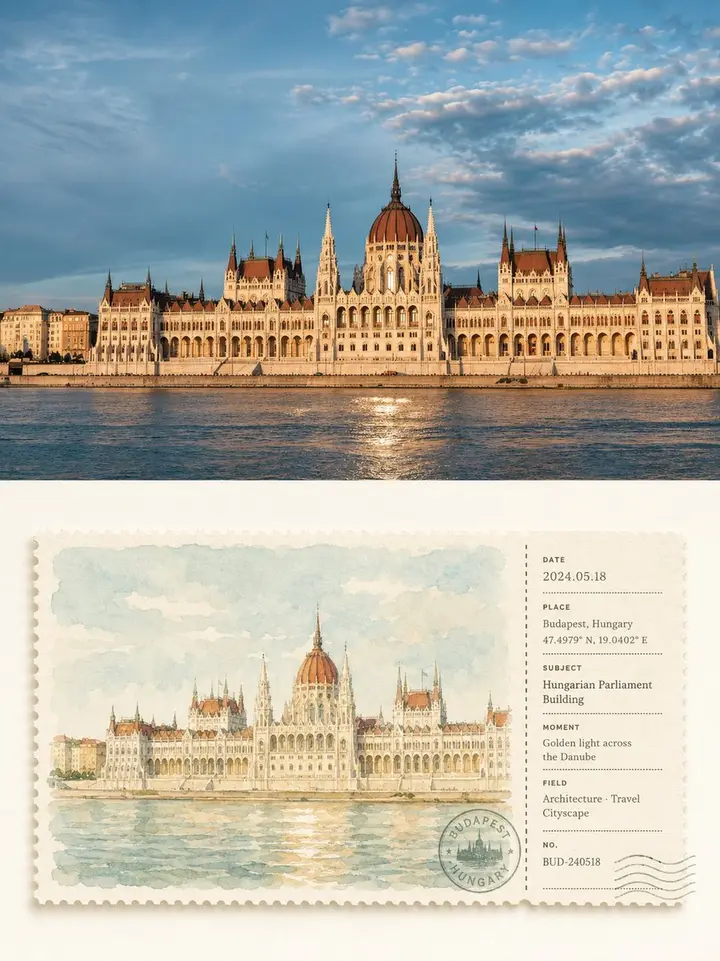
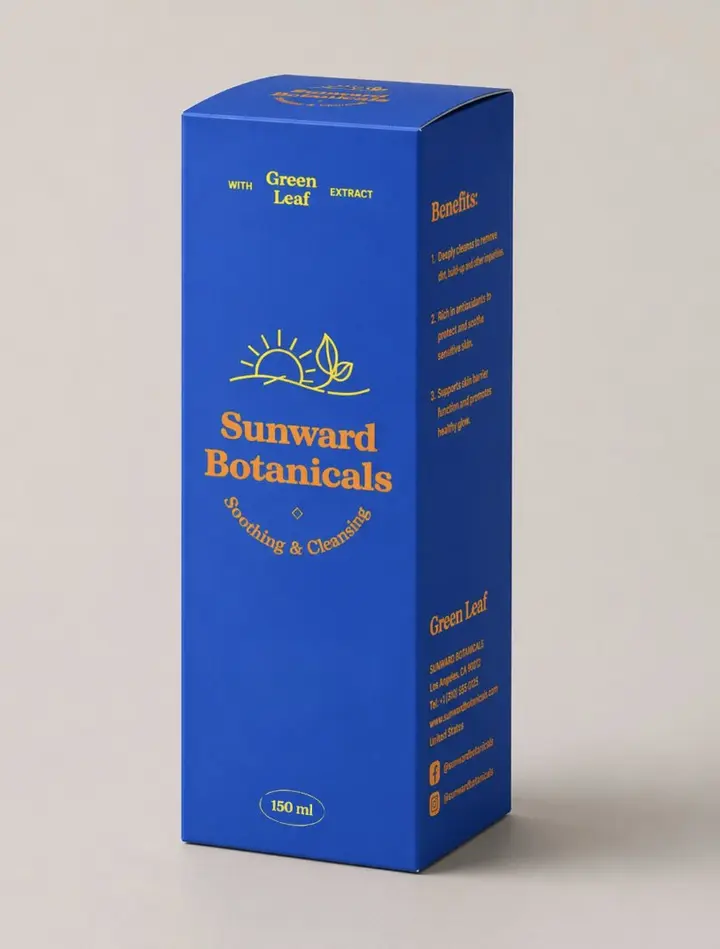
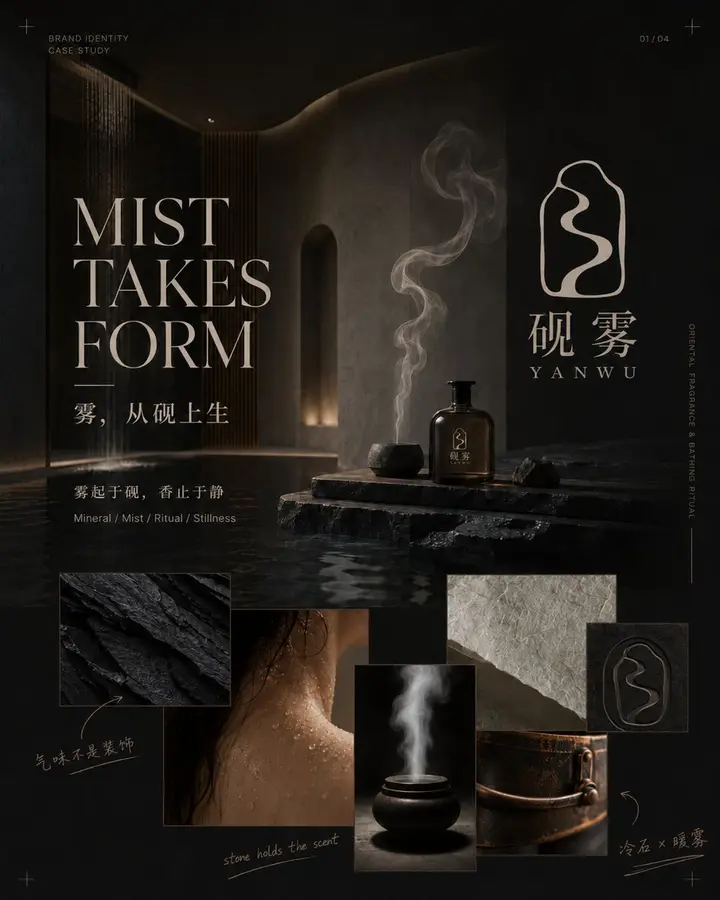
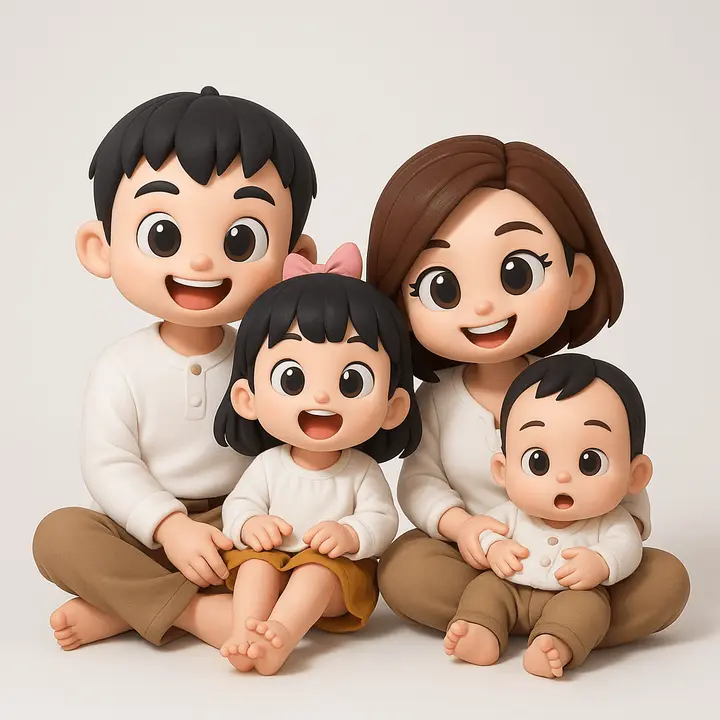
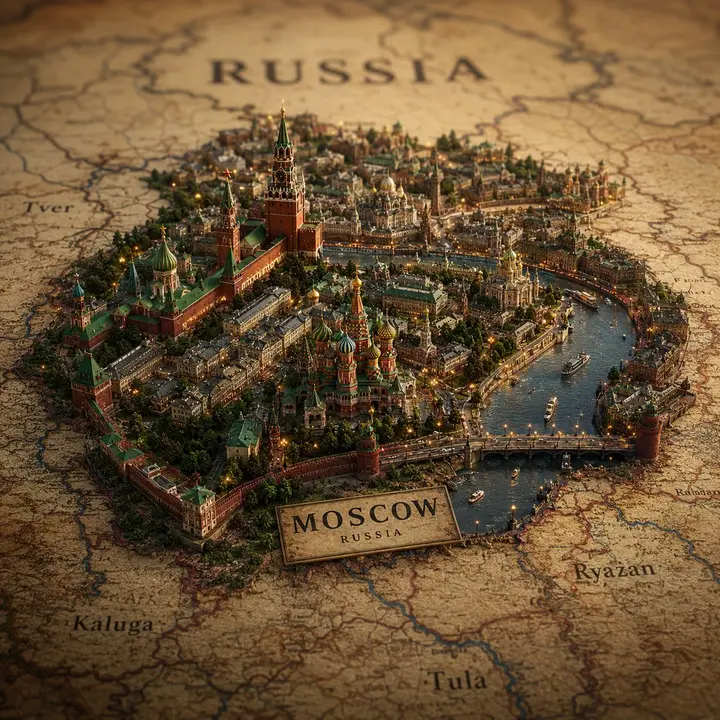
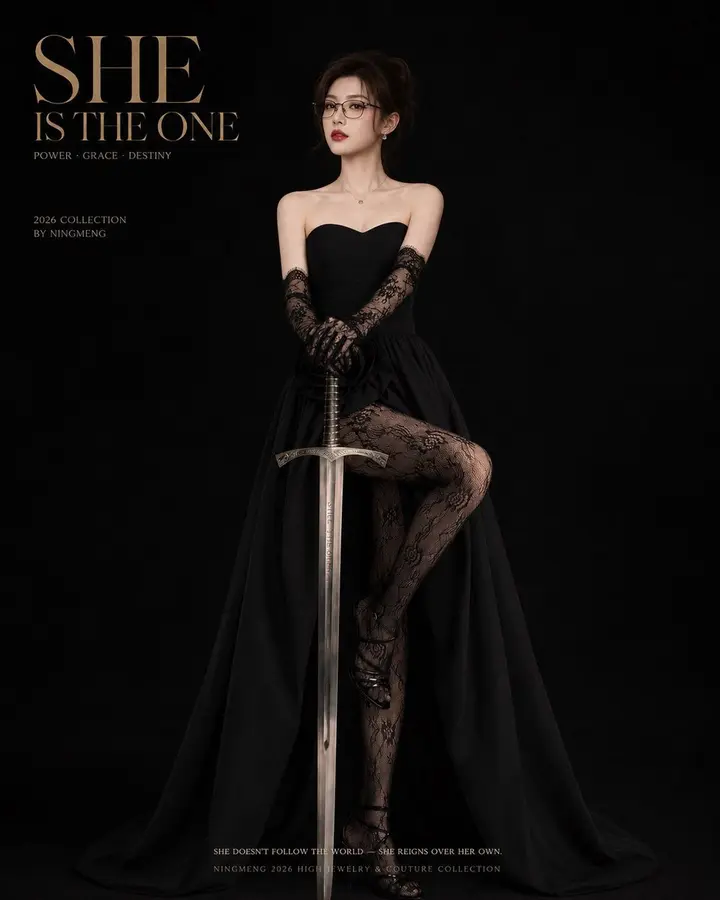
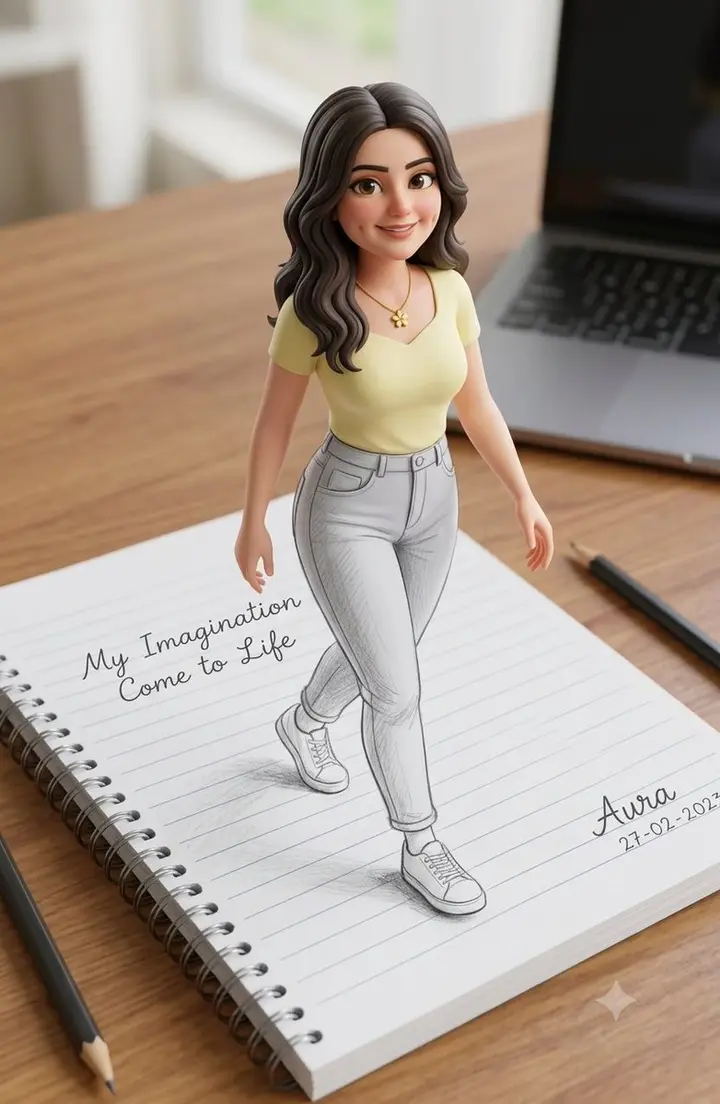
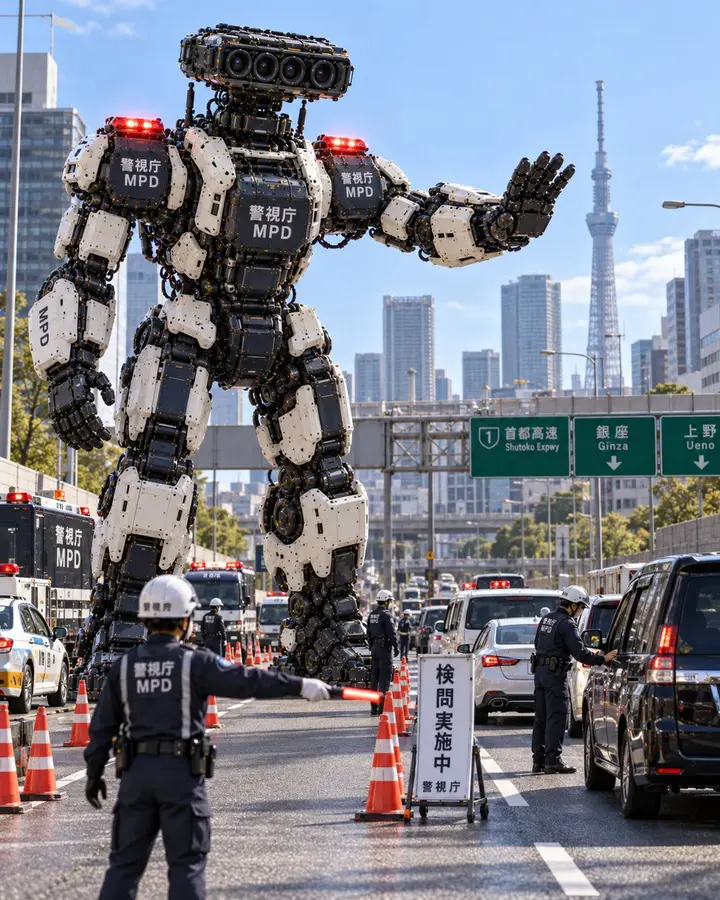
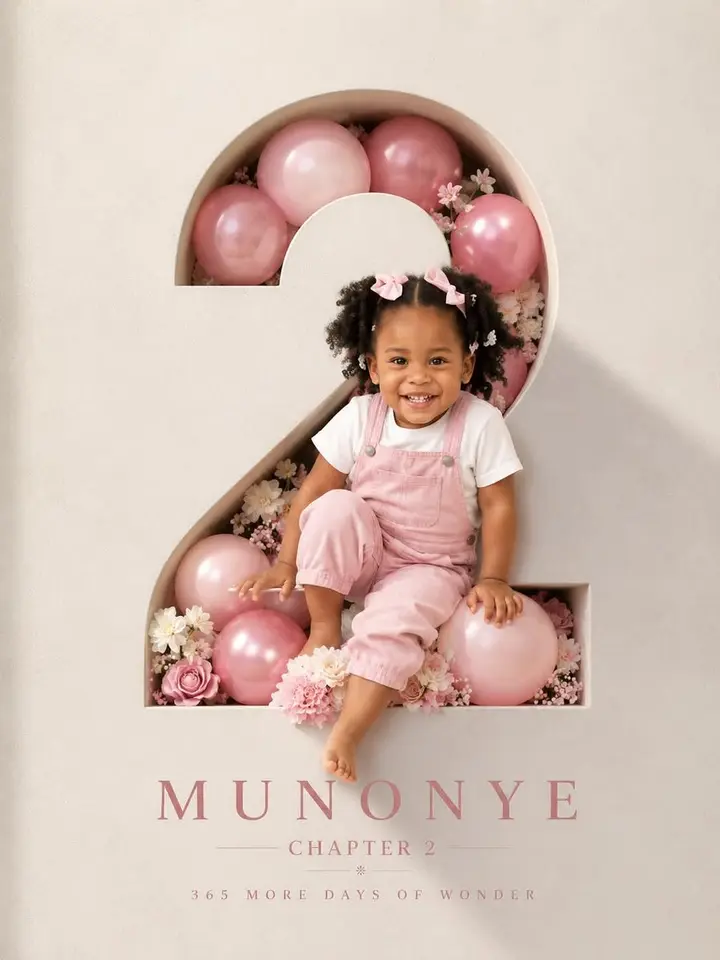
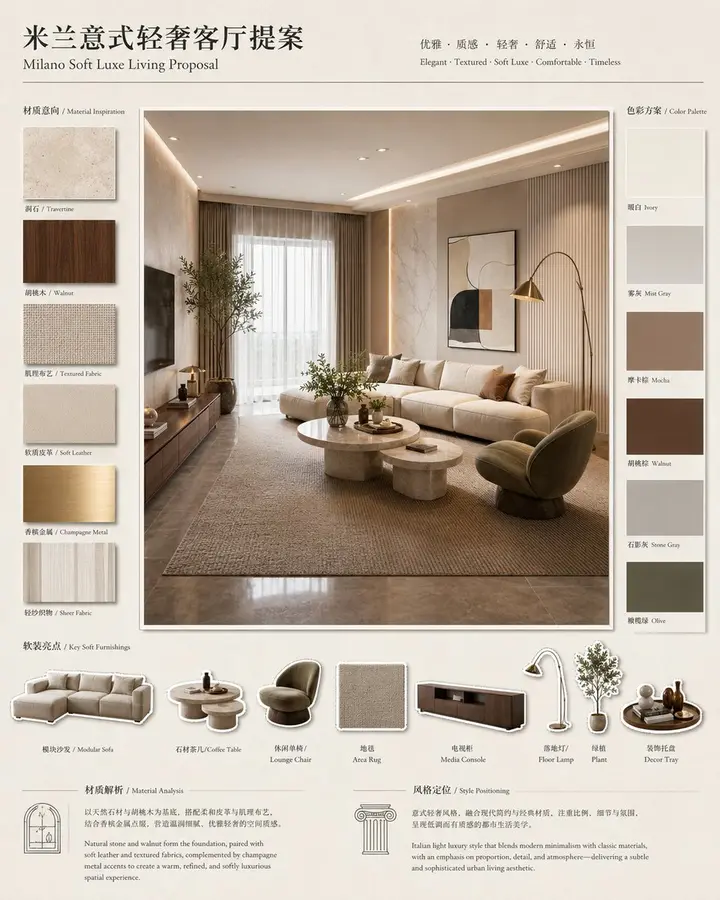
Upload a photo, say what to change and MAI-Image-2.7 edits it in under a minute: new background, outfit, light or style, with the subject kept intact. Or create a new image from text.
1Reference photos
0/4 · JPG, PNG, WebP
0/4000
3Aspect ratio
Model
MAI-Image-2.6
Output
HD JPG
Cost
2 credits
Click an example to load it into MAI-Image-2.7
Add a reference photo and describe the change to start.
Examples
What people make with MAI-Image-2.7
Portraits, product shots, posters and whole worlds. Hover any image to read its prompt, then load it into the MAI-Image-2.7 studio with one click.
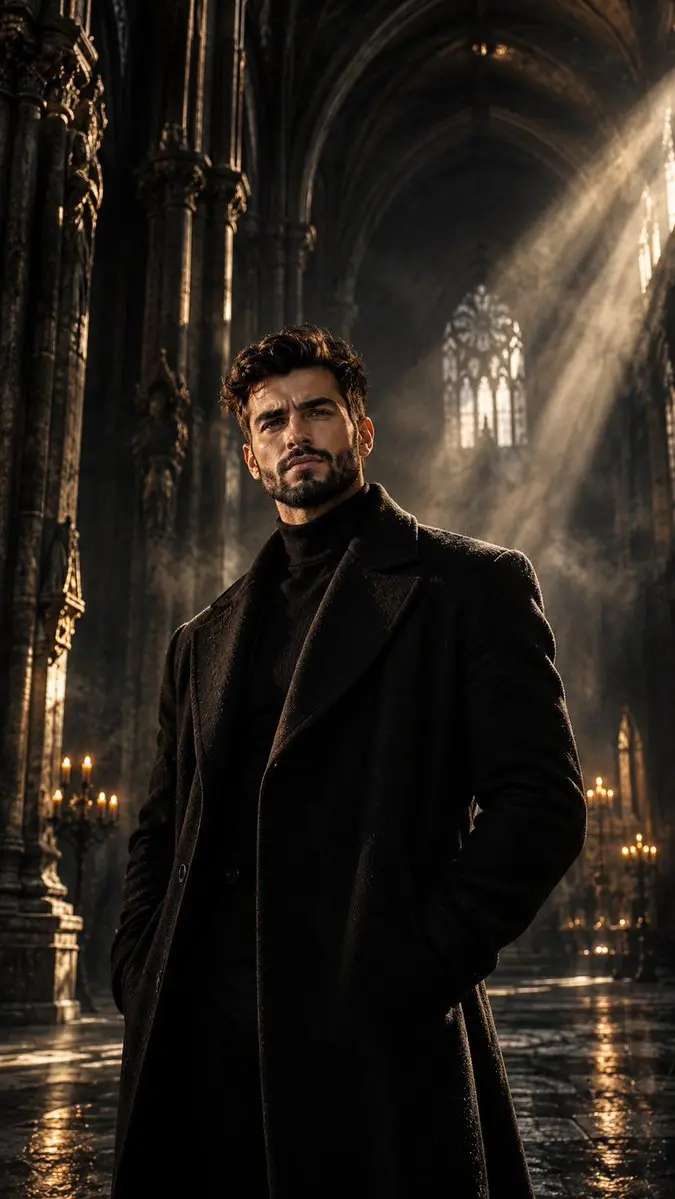
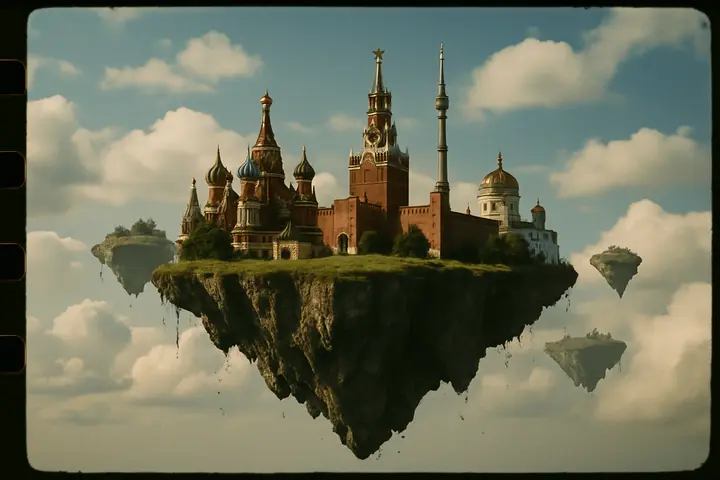
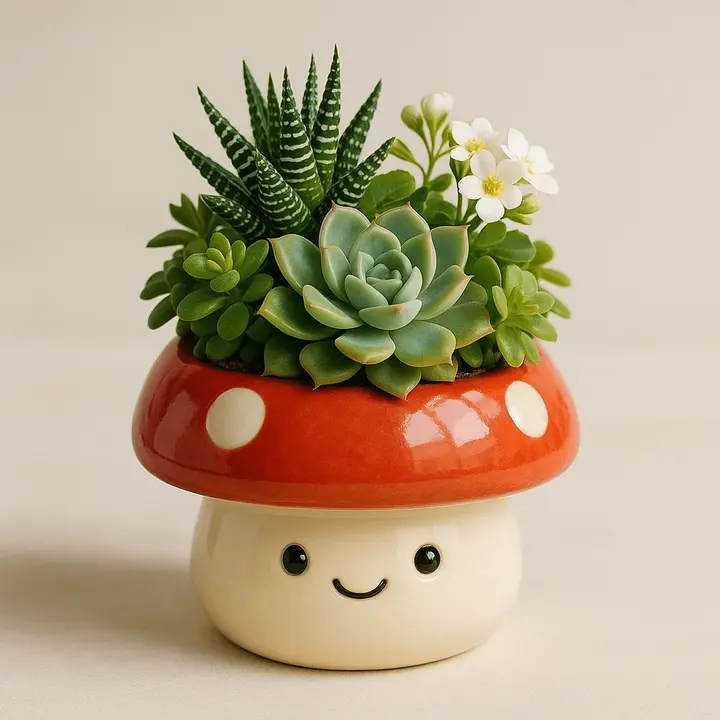
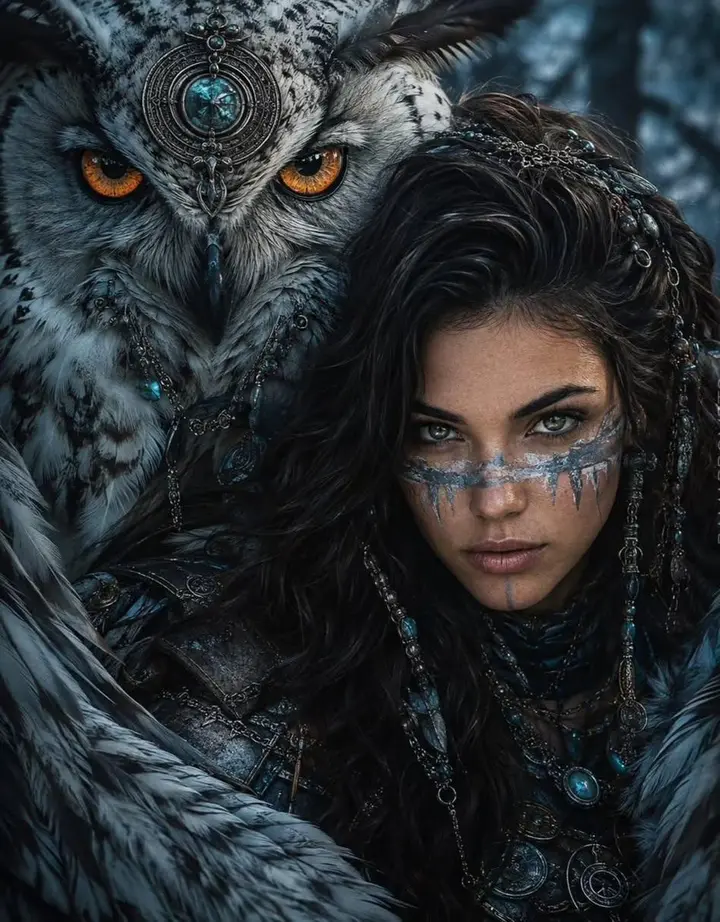
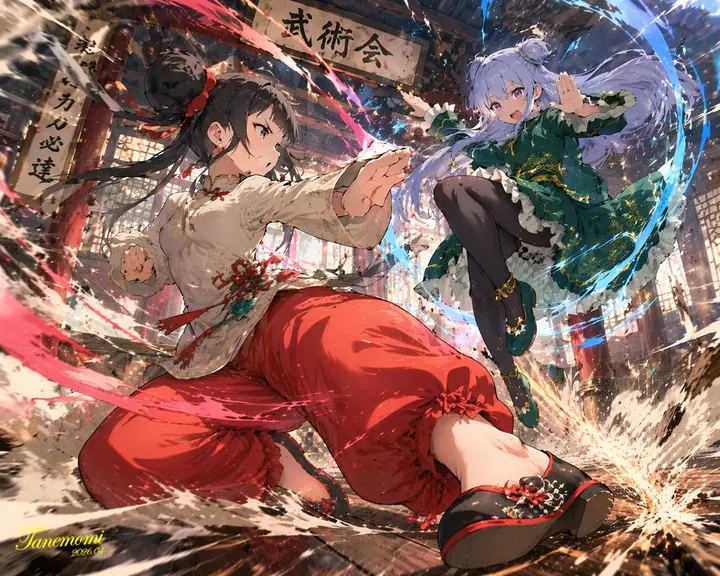
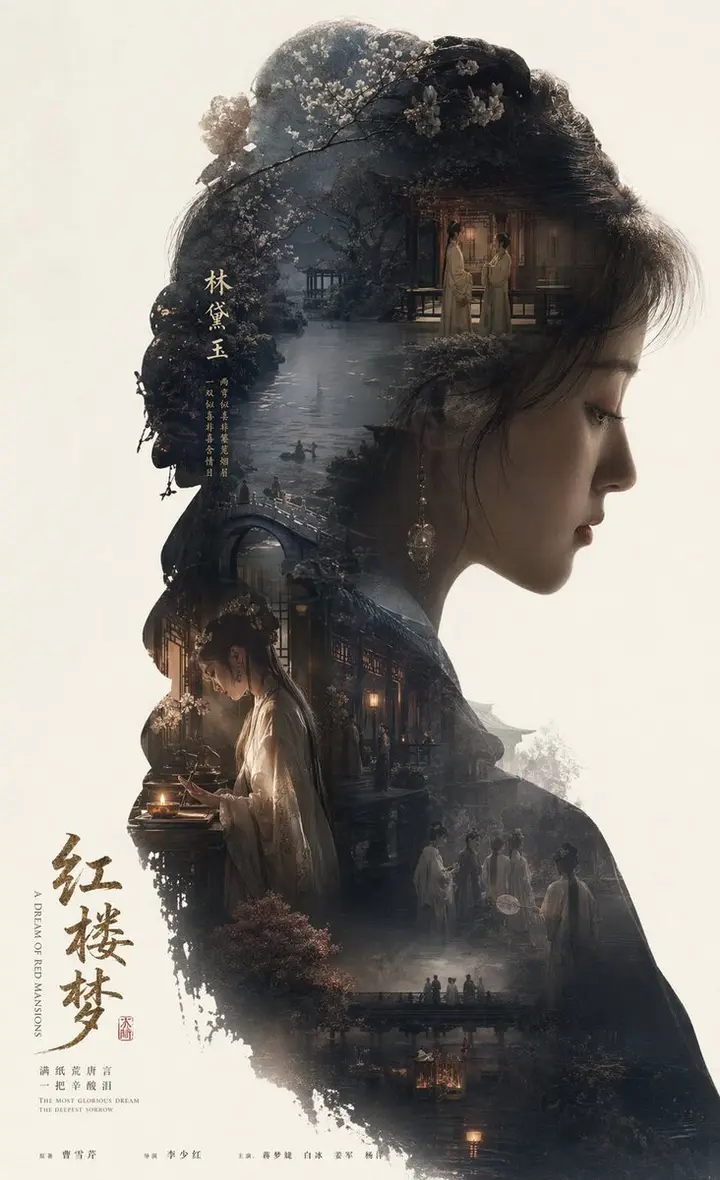
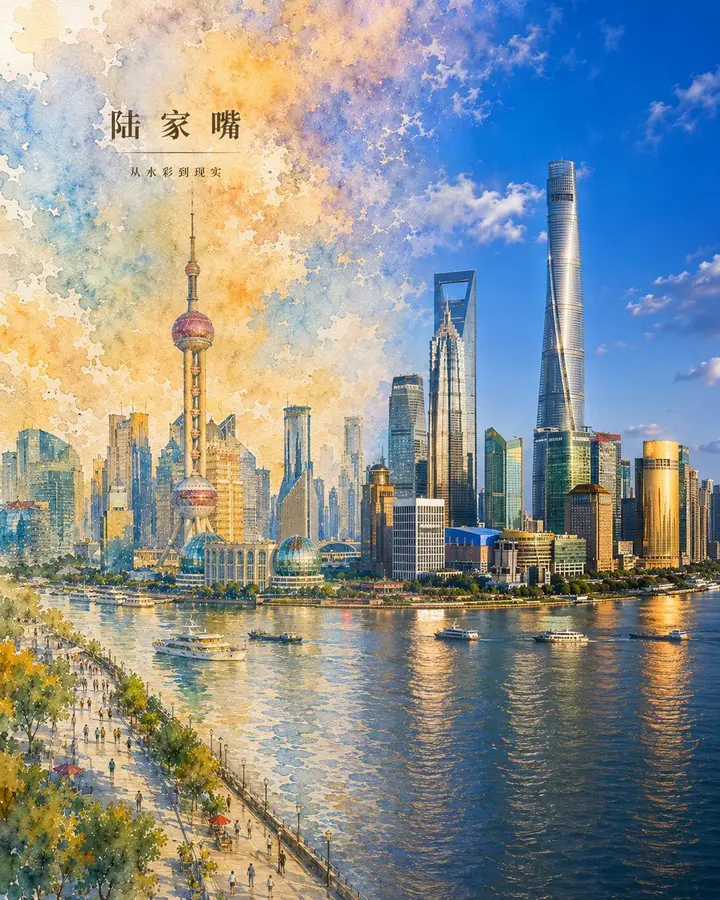
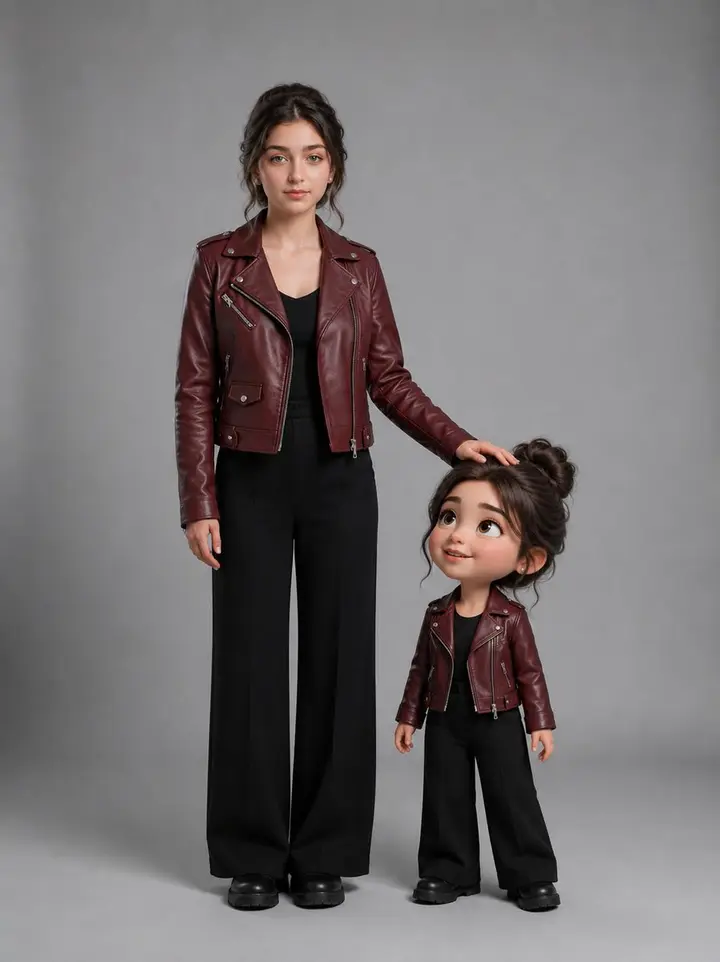
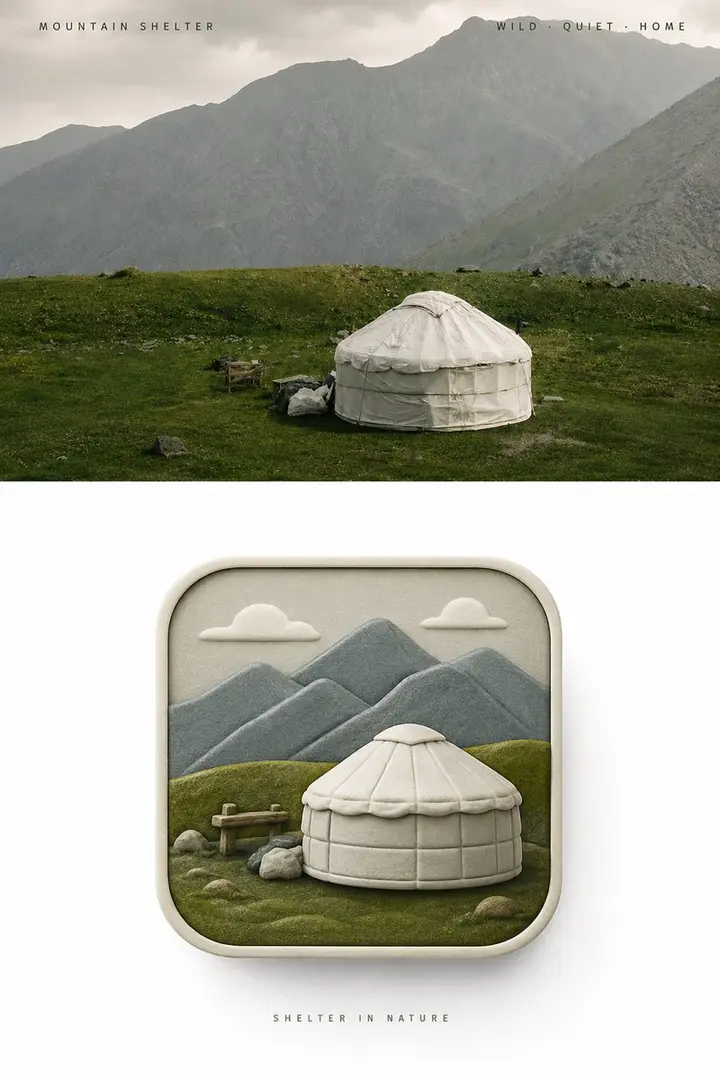
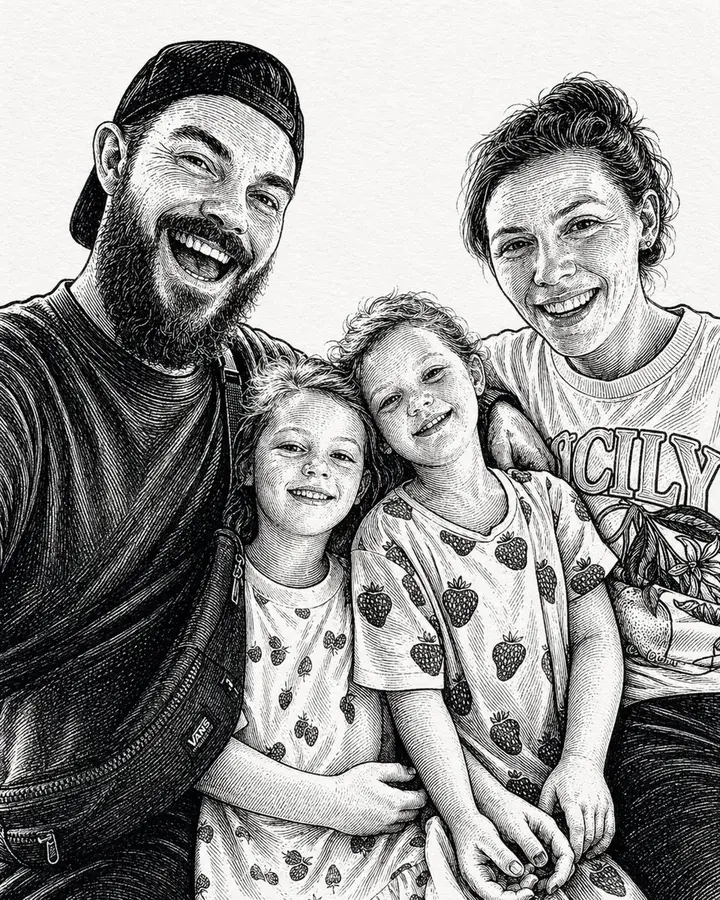
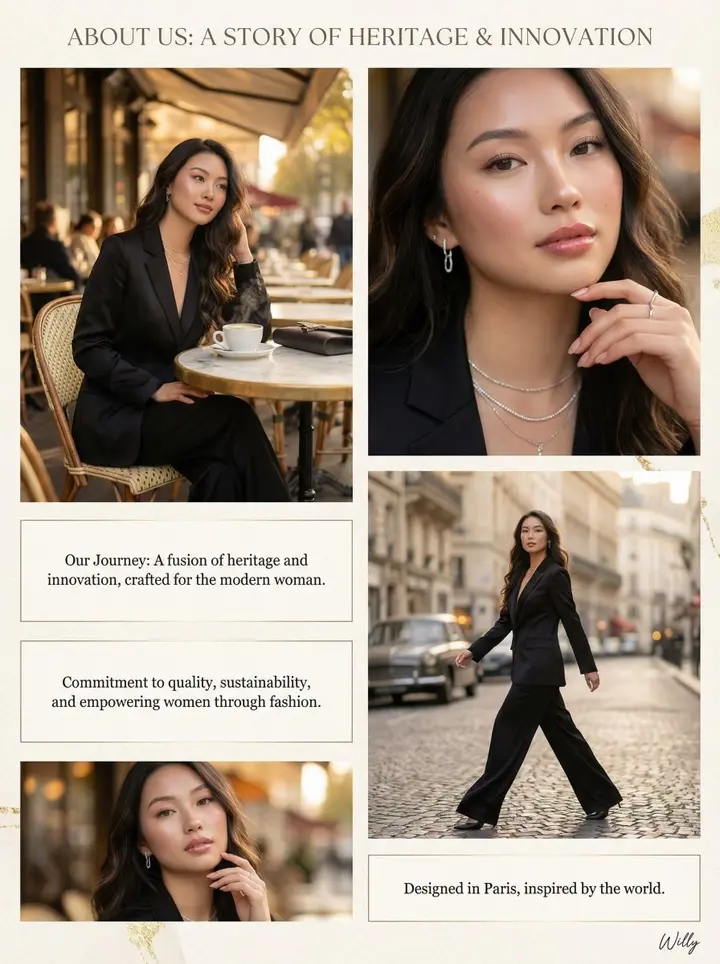
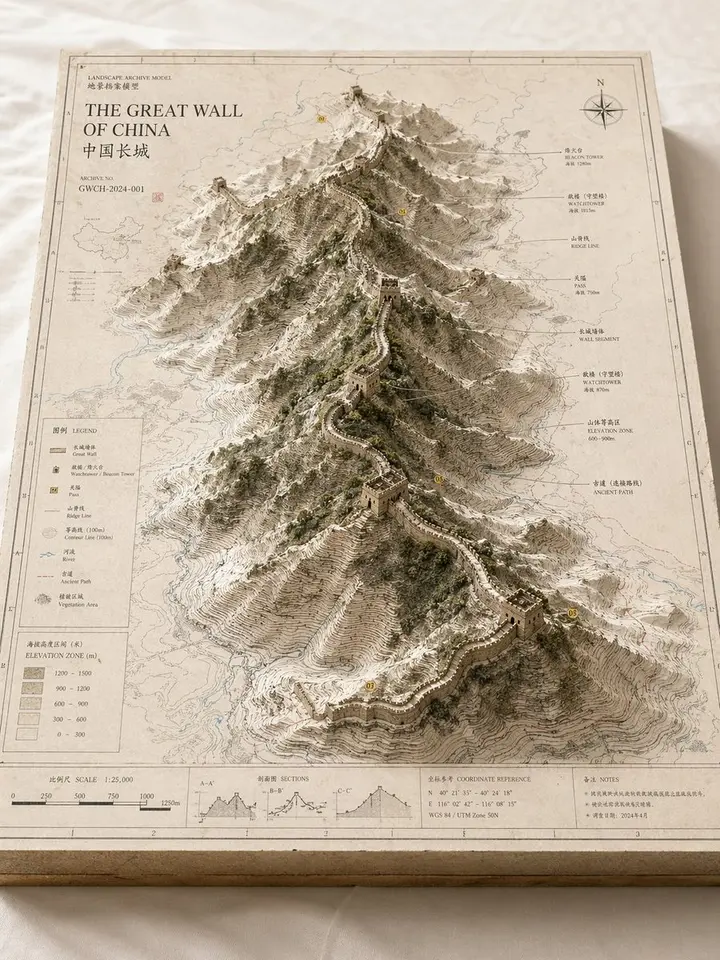
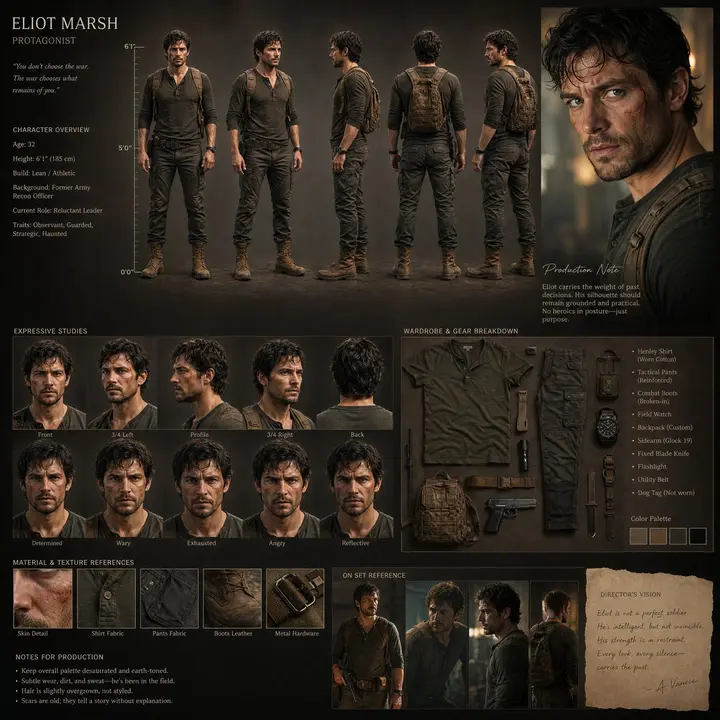
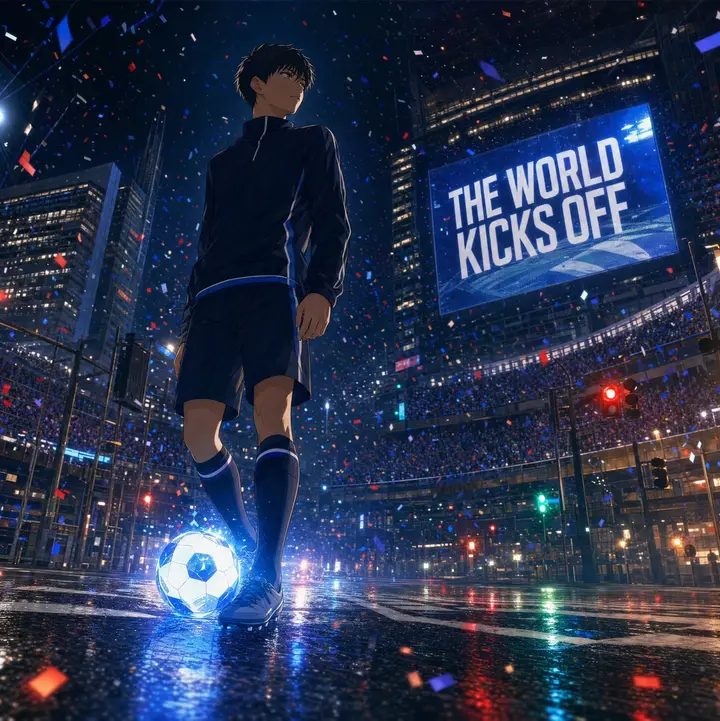
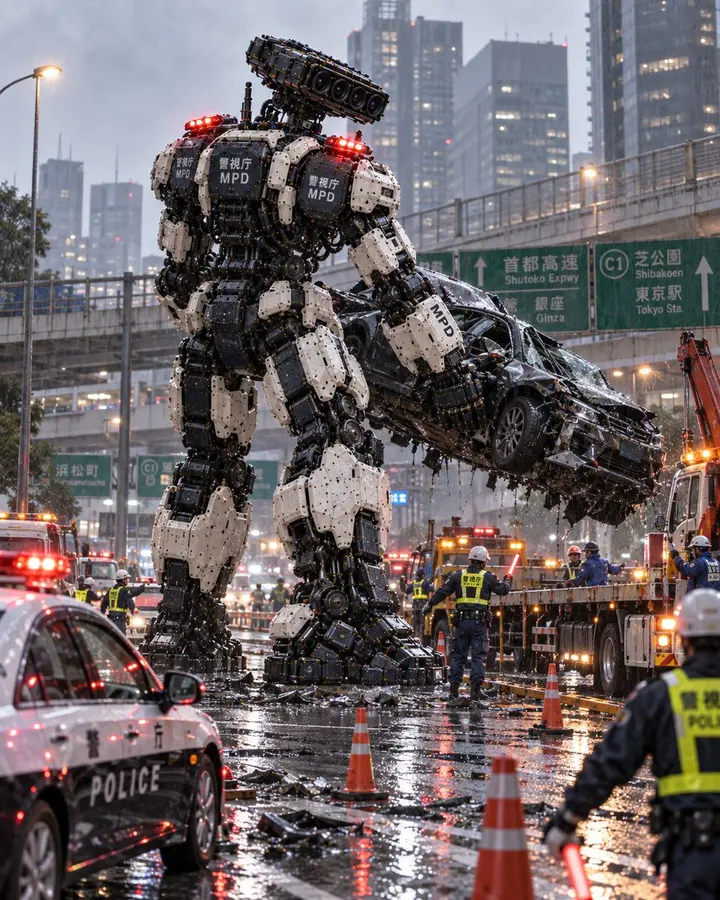
Avant-garde Fashion AdvertisementFashionMarine Lucent Fantasy Tea PosterPosterSunny Paris Café PortraitPortraitLuxury Dark Chocolate Commercial PhotographyProductSurreal fashion bicycle gardenSurrealEthereal Anime Character PortraitAnimeWatercolor Postcard Travel PosterTravel3D Product Box RenderProductGothic Cathedral Dark Fantasy PortraitCinematic35mm Film Flying IslandSurrealCute Plant PlanterProductDark Fantasy Warrior with OwlFantasyDark Oriental Fragrance Brand BoardBranding3D Chibi Family Portrait3DCinematic Atlas Miniature World DioramaMiniatureDark Queen Fashion PortraitFashion3D Illusion Sketch Portrait3DTokyo Police Giant Robot CheckpointCinematic3D Luxury Birthday PosterPosterMilano Soft Luxe Living BoardInteriorAnime Martial Arts Battle IllustrationAnimeEpic Silhouette Story PosterPosterWatercolor Shanghai City PosterArtWoman With Matching Chibi Portrait3D3D Icon Design PosterDesignInk-Etched Family PortraitArtLuxury Brand About Page Storytelling LayoutDesignLandscape Archive Model MapInfographicRealistic Character Design BoardCharacterNight City Soccer Kickoff VisualAnimeColossal Police Robot at DuskCinematic
Example images and prompts by their credited authors, shared under CC BY 4.0. Hover an image for its credit line, then remix the prompt in MAI-Image-2.7.
About
What is MAI-Image-2.7?
MAI-Image-2.7 is an online AI image editor at mai-image-27.com that changes your photos from a plain-language instruction (up to 4 photos at a time) and can also create new high-resolution pictures from text. MAI-Image-2.7 runs on the MAI-Image family of models from Microsoft AI, known for photorealistic light, natural skin and clean text inside the image, so portraits, product shots, posters and scenes come out ready to post.
Photorealism that holds up
MAI-Image-2.7 renders believable light, skin, fabric and food. Portraits and lifestyle shots look like they came off a real camera, not a filter.
Readable text in the picture
Headlines on posters, labels on packaging, signs in a street scene. Put the words in quotes and MAI-Image-2.7 spells them out cleanly.
Up to 4 reference photos
Add your own photos and tell MAI-Image-2.7 what to keep and what to change: a new background, outfit, style or setting, with faces and products left intact.
Eight aspect ratios
Square for feeds, 3:4 and 9:16 for stories and pins, 16:9 and 3:2 for banners and thumbnails, or Auto to let MAI-Image-2.7 choose.
mai-image-27.com is an independent studio built around the MAI-Image models. It is not affiliated with or endorsed by Microsoft.
How it works
How to use MAI-Image-2.7 in three steps
1
Upload your photo
Drop up to 4 JPG, PNG or WebP photos into the MAI-Image-2.7 studio. The first one is the photo you edit; the others can guide style or details.
2
Describe the change
Say what to keep and what to change, like a new background, outfit, light or style, and pick an aspect ratio or leave it on Auto. No photo? Switch to Text to Image and describe a new picture.
3
Generate and download
Press Generate. MAI-Image-2.7 charges 2 credits per image and usually finishes in 15 to 60 seconds. Download the HD JPG or keep editing the result.
Every image costs 2 credits, text to image or with reference photos. Pick a plan (save up to 37% yearly) or a one-time credit pack. Failed images are refunded automatically.
Credit packs
Pay once, no subscription. Pack credits never expire and are used after subscription credits.
MAI-Image-2.7 is an online AI image editor at mai-image-27.com that changes your photos from a plain-language instruction (up to 4 photos at a time) and can also create new high-resolution pictures from text. MAI-Image-2.7 runs on the MAI-Image family of models from Microsoft AI, known for photorealistic light, natural skin and clean text inside the image, so portraits, product shots, posters and scenes come out ready to post.
What can I make with MAI-Image-2.7?
Lifelike portraits and lifestyle photos, product and food shots, posters and covers with readable text, travel scenes, interiors, illustrations and 3D characters. Browse the MAI-Image-2.7 examples on this page and load any prompt with one click.
How do I edit a photo with MAI-Image-2.7?
Upload up to 4 photos in the studio at the top of this page, describe the edit, pick an aspect ratio and press Generate. To create a picture from scratch, switch to Text to Image. Most images are ready in 15 to 60 seconds.
Is MAI-Image-2.7 free?
No. There are no free trial credits. Each image costs 2 credits: buy a one-time credit pack, or subscribe monthly or yearly from $0.10 per image; yearly plans save up to 37%.
Can I use MAI-Image-2.7 images commercially?
Yes. MAI-Image-2.7 images have no watermark and you can use them in personal and commercial work, as long as you have the rights to any photos you upload and follow our Terms of Service.
Are my photos and prompts private?
Yes. Uploads, prompts and MAI-Image-2.7 results are stored privately in your account and are never shown in a public gallery. You can delete any image from History, which also removes its files.
Which formats and sizes are supported?
Upload JPG, PNG or WebP photos up to 15 MB each, 4 per image. MAI-Image-2.7 results download as HD JPG files in Auto, 1:1, 4:3, 3:4, 3:2, 2:3, 16:9 or 9:16.
What happens if a generation fails?
If a MAI-Image-2.7 image fails or is blocked by the safety filter, its credits go back to your balance automatically and you see a short note on what to change.
Which model does MAI-Image-2.7 use right now?
The studio currently runs MAI-Image-2.6, the latest released MAI-Image model. As soon as MAI-Image-2.7 comes out, we switch the studio over to it right away, with no change to your plan or credits.
Make your next image with MAI-Image-2.7
Write a prompt, press Generate and download a finished picture in under a minute.